concur
Print a PDF two pages to a sheet by trimming away the wasted margins. Half the paper, without the tiny print.
Your files stay with you
Everything happens in JavaScript, which runs in your browser, on your own computer. Your PDFs are never uploaded or sent anywhere.
It works offline, too. Your browser keeps a copy of this page and its code (a few megabytes, never your files), so after your first visit you can open concur and use it with no internet connection at all, on a plane, say.
You can check: turn off your Wi-Fi, reload this page, and drop a PDF. It works the same.
What it does
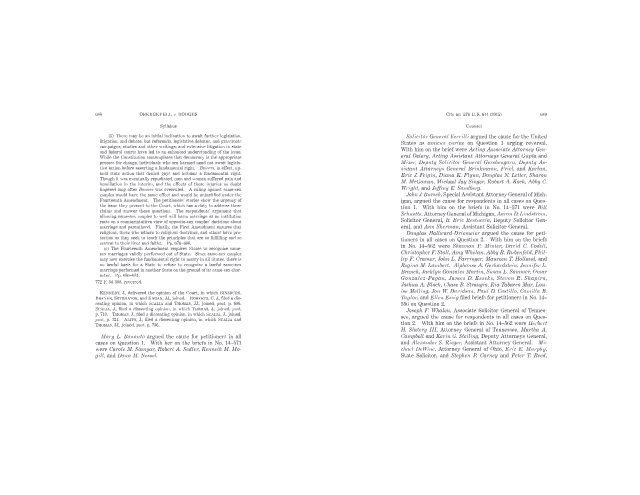
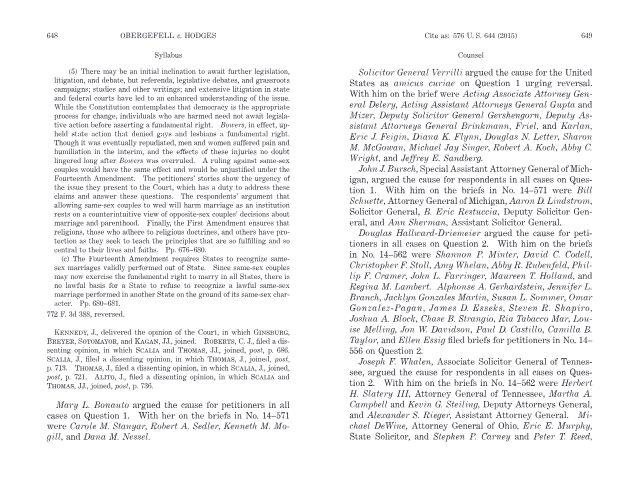
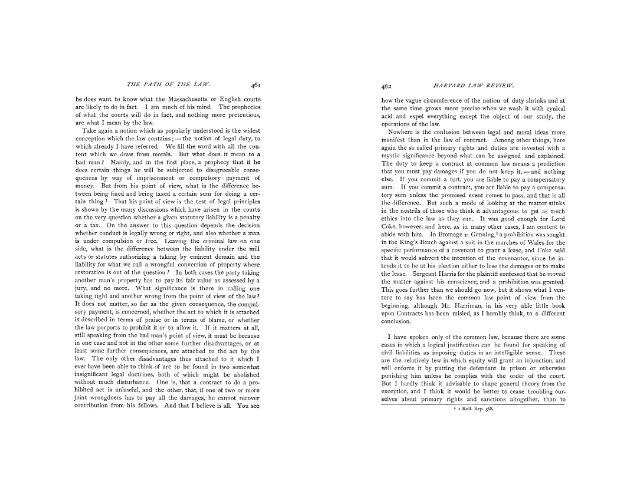
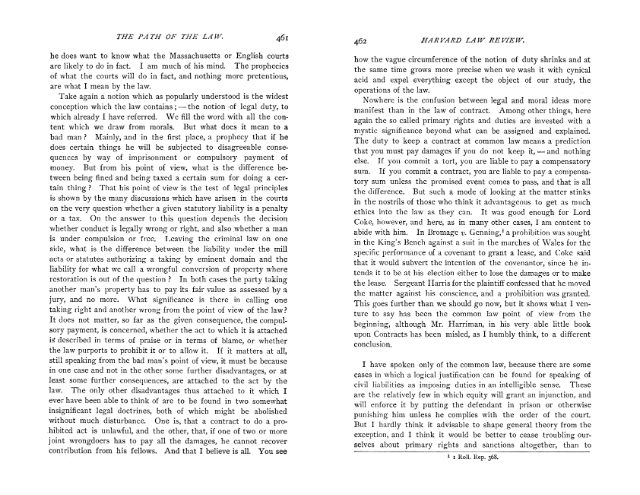
Law review articles, Supreme Court opinions, and book chapters have large margins when printed on letter paper: the text was set for a much smaller page. Printing two pages per sheet the usual way shrinks those margins along with the text, so you get tiny print surrounded by blank paper.
This measures where the text actually is and trims the margins away before placing the pages side by side, so it usually prints close to its original size, on half the paper.
Why “concur”?
Today, to concur is mostly to agree, as in a concurring opinion. But the word comes from the Latin concurrere, “to run together” (con-, together, and currere, to run), and that older meaning lives on in concurrent. In law, sentences run concurrently and two courts can have concurrent jurisdiction. In software, tasks are concurrent when a computer runs them side by side. And here, it is what happens to your pages.
Need help, or have a suggestion?
Email me at brandon.liu@nyu.edu.
concur is open source: the code is on GitHub.
This software and website were developed with the assistance of AI.